 Sunstone
Sunstone
Sunstone
Live preview, wikilinks, backlinks, properties, and full-text search over
plain .md
files in your repo. Diff your edits against HEAD, step through history,
collaborate through commits. No sync service.
Launch it from anywhere: sunstone ./my-notes
No vault to create, import, or convert into. Point Sunstone at any
directory of markdown and start editing: sunstone ./docs.
Files stay plain .md on disk. Nothing gets indexed into
a database you can't grep. Close the app and you're left with a
folder of markdown.
Sunstone implements Google's Open Knowledge Format, an open standard for markdown bundles that humans and agents read the same way.
OKF is markdown with YAML frontmatter and wikilinks. If you can
cat a file you can read it; if you can
git clone you can ship it. Nothing to migrate.
Open a folder and all of it works.
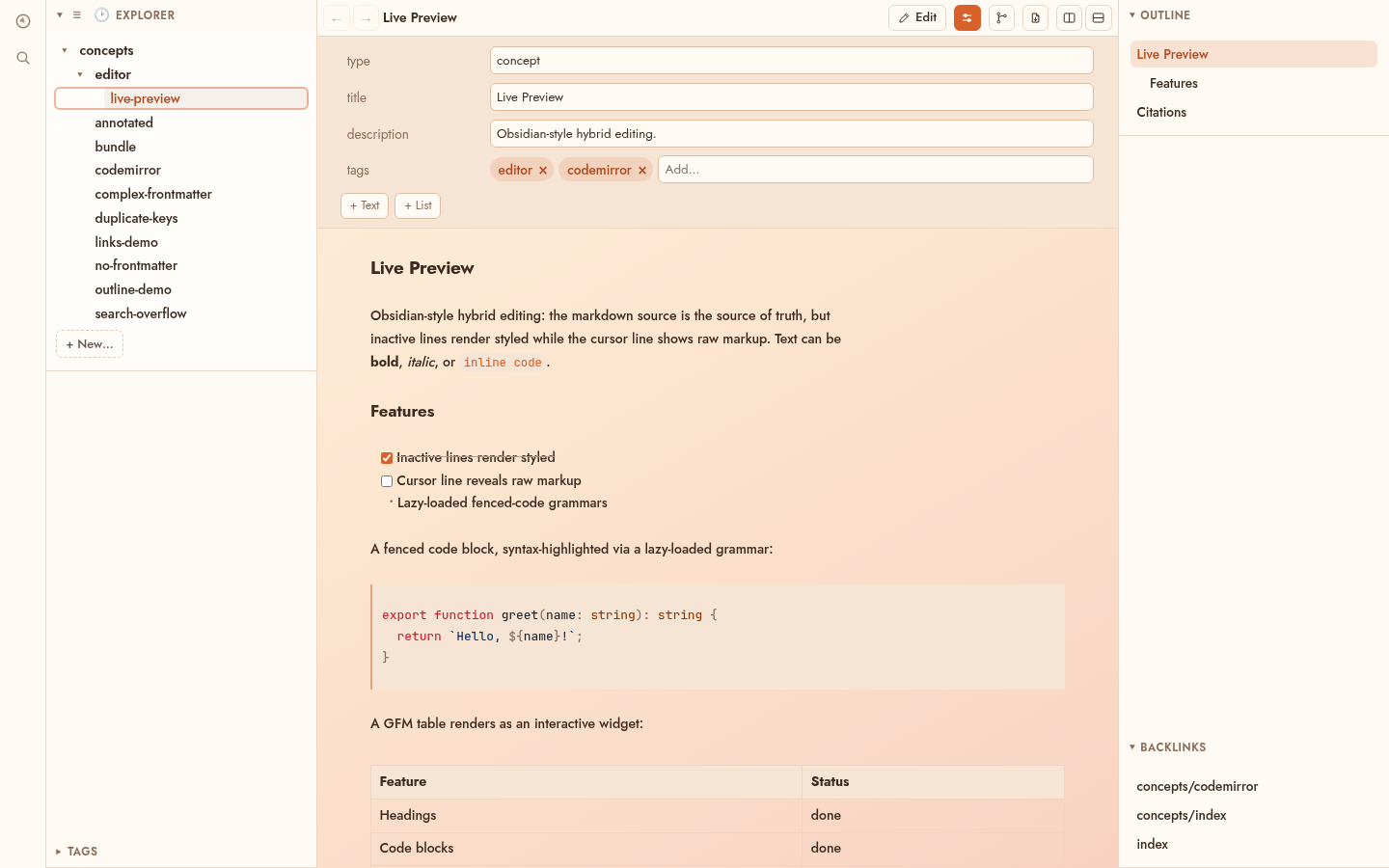
Obsidian-style hybrid editing. Inactive lines render styled, the cursor line shows raw markup. Highlighted code, task lists, interactive GFM tables.
Follow links between concepts. The backlinks panel lists every concept that links to the one you're reading.
Edit frontmatter as typed fields: scalars, lists, tags. Complex YAML round-trips verbatim.
Search every concept with snippet results. A fuzzy quick-nav palette jumps to any concept by name.
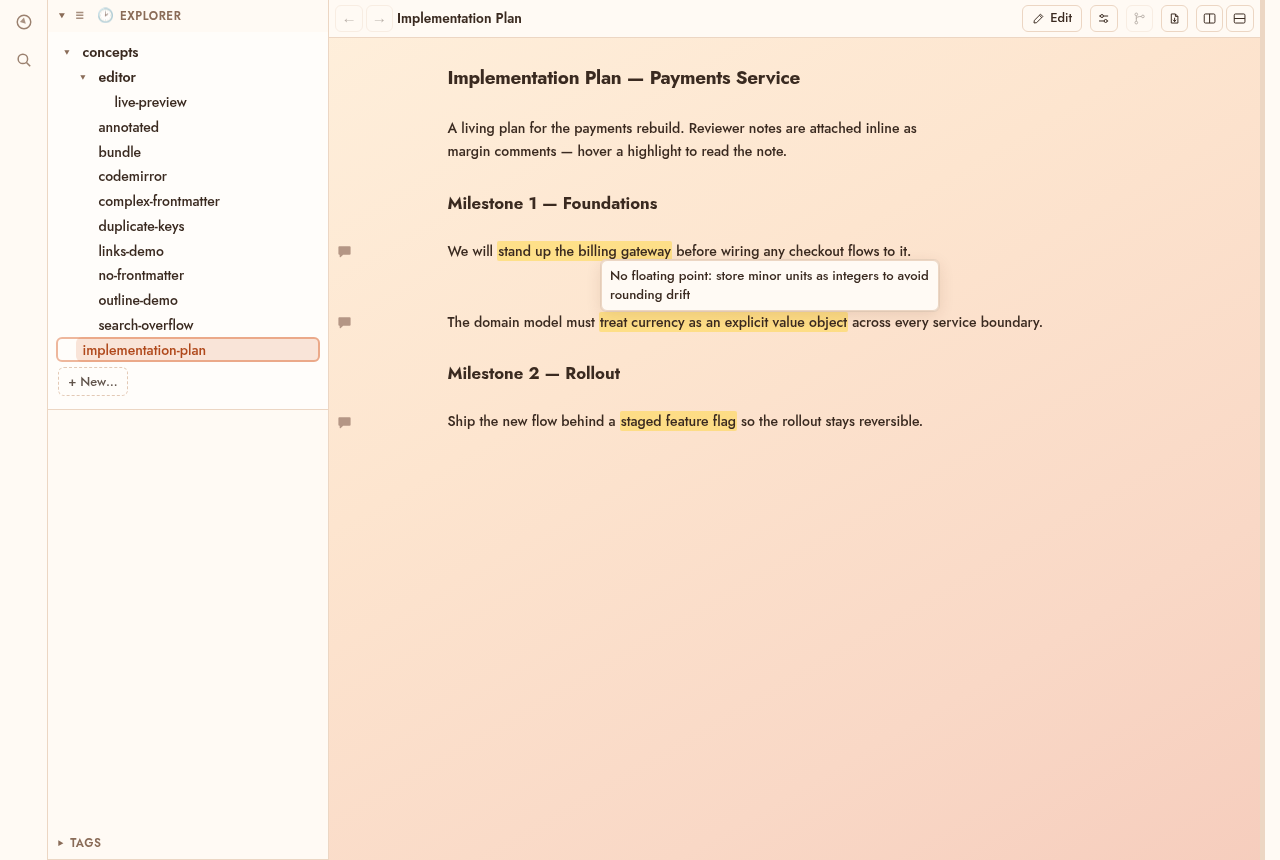
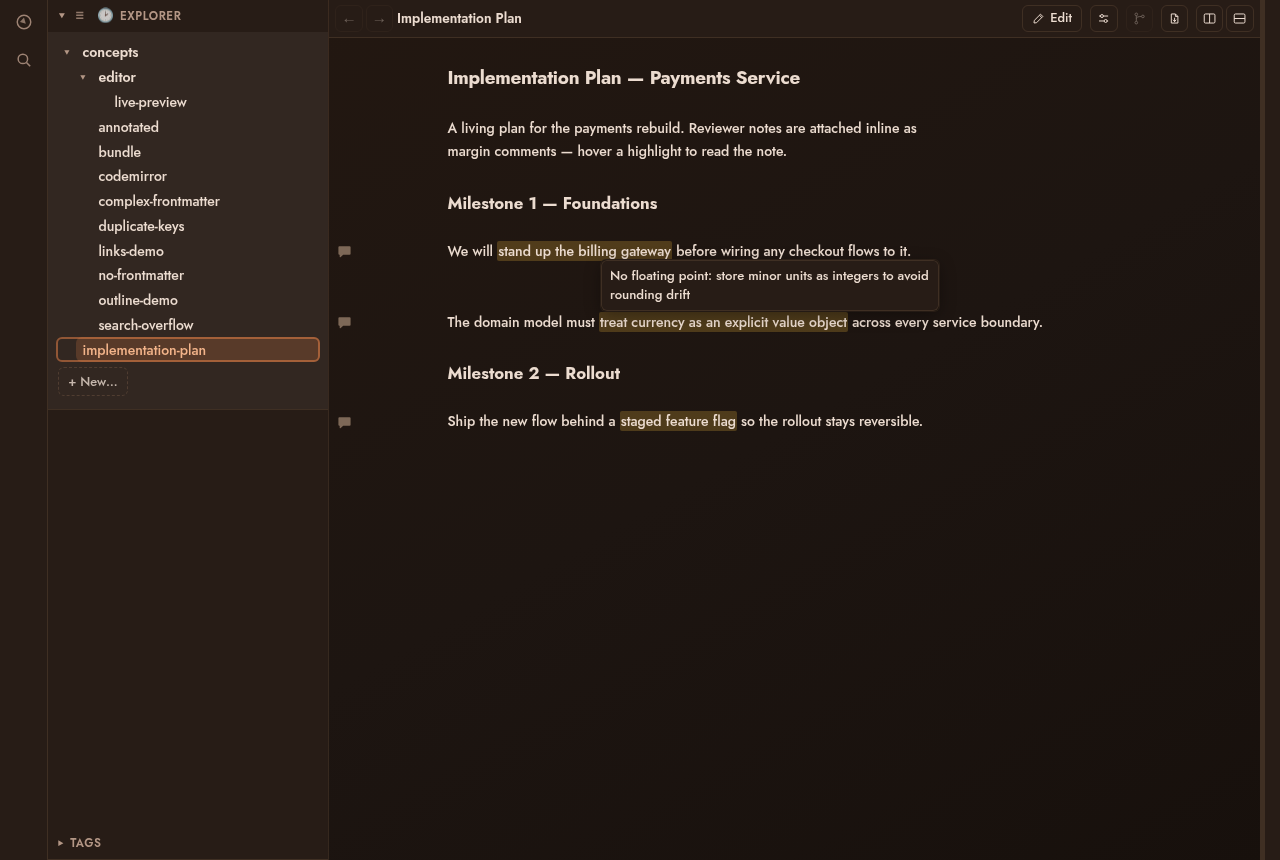
Select text and add a margin comment. Stored as CriticMarkup in the file, so feedback travels in git and any tool can read it.
Split the editor into columns and tiles to view several concepts side by side. The layout persists across restarts.
Toggle a diff of the working tree against HEAD, or step back through history. Word edits render as CriticMarkup track-changes.
Render the open concept to a print preview and save it as PDF on macOS and Windows.
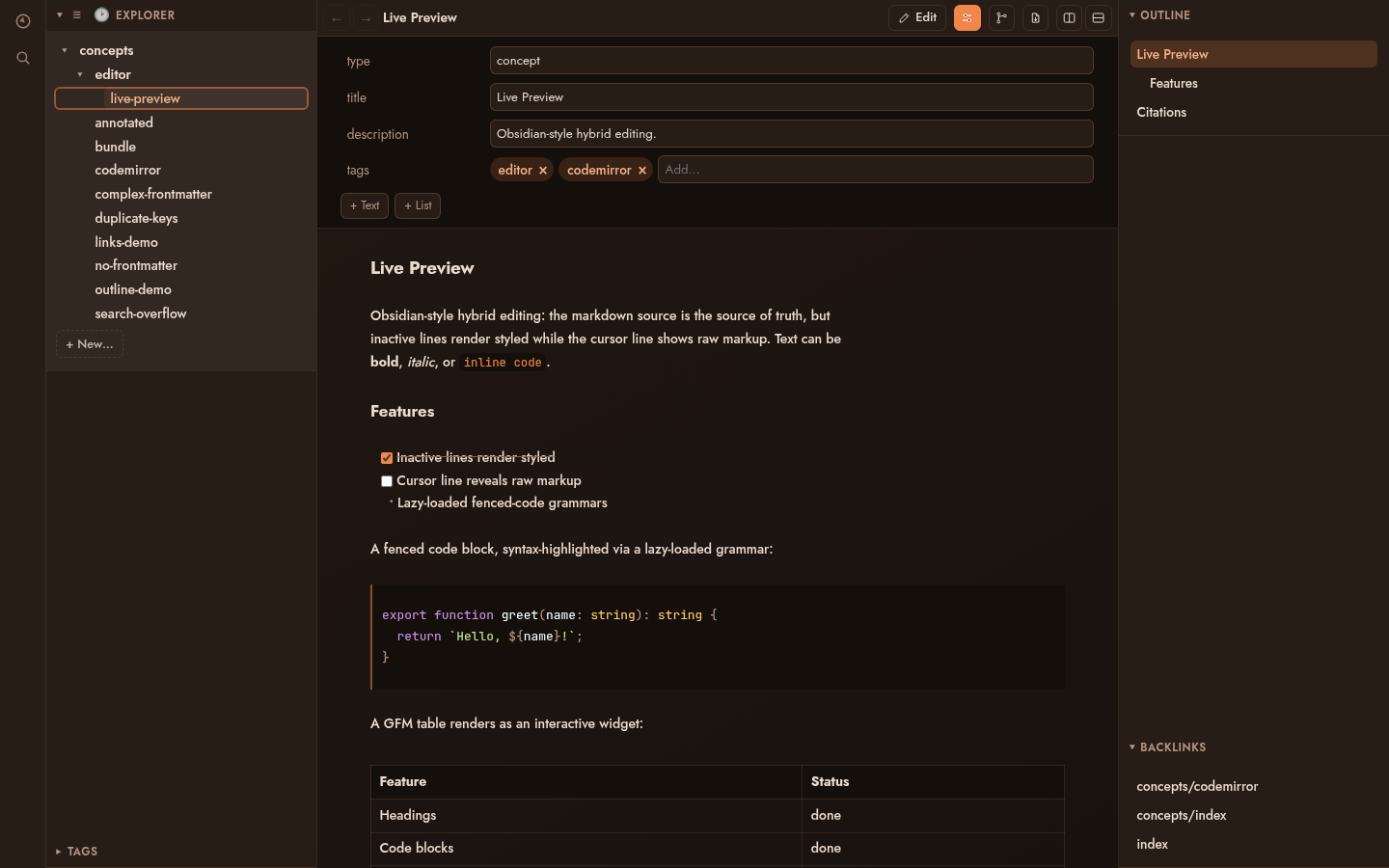
A warm amber palette that follows the OS color scheme. An outline panel and tag browser keep large bundles navigable.
A bundle is just a git repository. On the desktop, toggle
Review to see your working tree diffed against
HEAD as inline track-changes, and step back through
history commit by commit.
For collaboration, run the server in git-synced mode. Every save is a commit, and a sync loop fetches, rebases, and pushes against your origin. Several people edit the same bundle. It isn't realtime; concurrent work reconciles through rebase, and a conflicting edit is forked beside the original instead of silently overwritten.
Sync state is git state. Anything the editor did, you can inspect, revert, or bisect from the command line.
See Sunstone Web$ git log --oneline docs/
a41f2c9 web: edit concepts/rollout-plan.md (dana)
7be03d1 web: edit concepts/rollout-plan.md (jonas)
f19c884 sync: rebase onto origin/main
c02a7de desktop edits, reviewed against HEAD
918bb3a agent pass over the architecture docsSelect text in editing or reading mode and choose Add comment. The span is highlighted, a comment icon sits in the gutter, and hovering shows the note.
On disk it's plain {==text==}{>>note<<}
CriticMarkup. Comments live in the .md file and travel
in git, which makes them useful for reviewing an agent's generated
docs before the next pass.
Sunstone Web serves any bundle in the browser, with the same explorer, backlinks, tags, outline, and full-text search as the desktop app, plus authenticated editing. Every save is a git commit, so a team works on one bundle and reconciles through git. External pushes reach every open browser over SSE.
Free and open source under the MIT license. Built with Tauri, SvelteKit, and Rust.